 Log in
 Contact
 Forum
Forum
searchAndReplace

- addBackgroundImage
- addFooter
- addFooterSection
- addHeader
- addHeaderSection
- addLineNumbering
- addMacroFromDoc
- addPageBorders
- addProperties
- addSection
- createDocx
- createDocxAndDownload
- createCharacterStyle
- createListStyle
- createParagraphStyle
- createTableStyle
- docxSettings
- embedFont
- importChartStyle
- importHeadersAndFooters
- importListStyle
- importStyles
- modifyPageLayout
- parseStyles
- removeFooters
- removeHeaders
- setBackgroundColor
- setDefaultFont
- setDocumentDefaultStyles
- setEncodeUTF8
- setLanguage
- setMarkAsFinal
- setRTL
- addBibliography
- addBookmark
- addBreak
- addChart
- addCitation
- addComment
- addCrossReference
- addDateAndHour
- addEndnote
- addExternalFile
- addFootnote
- addFormElement
- addHeading
- addImage
- addLink
- addList
- addMathEquation
- addMergeField
- addOLE
- addOnlineVideo
- addPageNumber
- addShape
- addSimpleField
- addSource
- addStructuredDocumentTag
- addSVG
- addTab
- addTable
- addTableContents
- addTableFigures
- addText
- addTextBox
- addWordFragment
- addWordML
- embedHTML
- clearBlocks
- cloneBlock
- deleteBlock
- getTemplateVariables
- getTemplateVariablesType
- modifyInputFields
- modifyMergeFields
- processTemplate
- removeTemplateVariable
- replaceBlock
- replaceListVariable
- replacePlaceholderImage
- replaceTableVariable
- replaceVariableByExternalFile
- replaceVariableByHtml
- replaceVariableByText
- replaceVariableByWordFragment
- replaceVariableByWordML
- setTemplateSymbol
- setTemplateBlockSymbol
- tickCheckboxes

searchAndReplace
 ADVANCED / PREMIUM
 TRIAL
TRIAL
Searches and replaces a given string of text in a Word document.
Description
public searchAndReplace (string $source, string $target, mixed $search, string $replace [, array $options])
This method allows the substitution of plain text in a DOCX document.
Parameters
source
The path to the source Word document.
target
The path to the Word document resulting after the text replacement.
search
The string of text or array that you want to replace.
replace
The string of text or array that you want to include.
options
The possible keys and values are:
| Key | Type | Description |
|---|---|---|
| document | bool | If true searches and replaces the string in the body of the document. The default value is true. |
| endnotes | bool | If true searches and replaces the string in the document endnotes. The default value is false. |
| comments | bool | If true searches and replaces the string in the document comments. The default value is false. |
| headersAndFooters | bool | If true searches and replaces the string in headers and footers. The default value is false. |
| footnotes | bool | If true searches and replaces the string in the document footnotes. The default value is false. |
| headers | bool | If true highlights the search string in headers. The default value is false. |
| footers | bool | If true highlights the search string in footers. The default value is false. |
Exceptions
Error while trying to open the (base) template as a zip file.
Code samples
Example #1

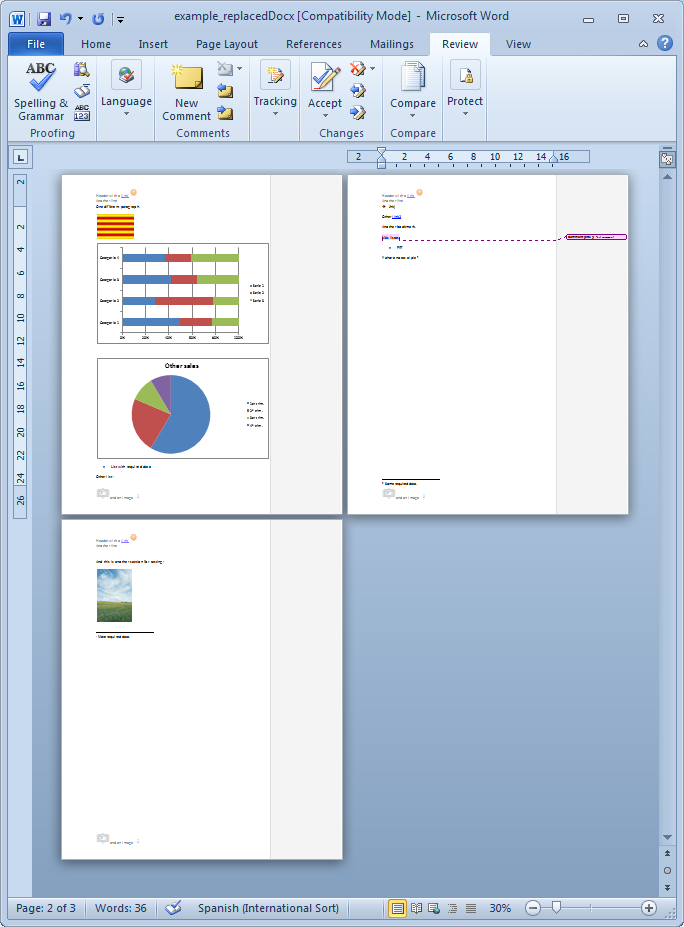
The resulting Word document looks like: