 Log in
 Contact
 Forum
Forum
modifyPageLayout

- addBackgroundImage
- addFooter
- addFooterSection
- addHeader
- addHeaderSection
- addLineNumbering
- addMacroFromDoc
- addPageBorders
- addProperties
- addSection
- createDocx
- createDocxAndDownload
- createCharacterStyle
- createListStyle
- createParagraphStyle
- createTableStyle
- docxSettings
- embedFont
- importChartStyle
- importHeadersAndFooters
- importListStyle
- importStyles
- modifyPageLayout
- parseStyles
- removeFooters
- removeHeaders
- setBackgroundColor
- setDefaultFont
- setDocumentDefaultStyles
- setEncodeUTF8
- setLanguage
- setMarkAsFinal
- setRTL
- addBibliography
- addBookmark
- addBreak
- addChart
- addCitation
- addComment
- addCrossReference
- addDateAndHour
- addEndnote
- addExternalFile
- addFootnote
- addFormElement
- addHeading
- addImage
- addLink
- addList
- addMathEquation
- addMergeField
- addOLE
- addOnlineVideo
- addPageNumber
- addShape
- addSimpleField
- addSource
- addStructuredDocumentTag
- addSVG
- addTab
- addTable
- addTableContents
- addTableFigures
- addText
- addTextBox
- addWordFragment
- addWordML
- embedHTML
- clearBlocks
- cloneBlock
- deleteBlock
- getTemplateVariables
- getTemplateVariablesType
- modifyInputFields
- modifyMergeFields
- processTemplate
- removeTemplateVariable
- replaceBlock
- replaceListVariable
- replacePlaceholderImage
- replaceTableVariable
- replaceVariableByExternalFile
- replaceVariableByHtml
- replaceVariableByText
- replaceVariableByWordFragment
- replaceVariableByWordML
- setTemplateSymbol
- setTemplateBlockSymbol
- tickCheckboxes

modifyPageLayout
 TRIAL / ADVANCED / PREMIUM
Modifies the Word document layout.
Description
public modifyPageLayout ( string $paperType [ array $options )
This method modifies the main layout properties of the Word document like paper type size and margins.
Parameters
paperType
The type of paper to be used. The possible values are:
- A4
- A3
- letter
- legal
- A4-landscape
- A3-landscape
- letter-landscape
- legal-landscape
- custom
options
The possible keys and values are:
| Key | Type | Description |
|---|---|---|
| height | int | Document height in twips (twentieths of a point). |
| width | int | Document width in twips (twentieths of a point). |
| marginTop | int | Top margin in twips (twentieths of a point). |
| marginRight | int | Right margin in twips (twentieths of a point). |
| marginBottom | int | Bottom margin in twips (twentieths of a point). |
| marginLeft | int | Left margin in twips (twentieths of a point). |
| marginHeader | int | Header margins in twips (twentieths of a point). |
| marginFooter | int | Footer margins in twips (twentieths of a point). |
| numberCols | int | Number of columns. |
| orient | string | Page orientation (portrait or landscape). |
| space | int | Column spacing in twips (twentieths of a point). |
| gutter | int | Gutter in twips (twentieths of a point). The gutter is only used for binding. |
| bidi | string | Set to 'on' for right to left languages (default value is 'off'). |
| rtlGutter | string | Set to 'on' for right to left languages (default value is 'off'). |
| onlyLastSection | bool | If true it only modifies the last section (default value is false). |
| sectionNumbers | array | An array with the sections that you want to modify. |
| pageNumberType | array | Keys and values:
|
| columns | array | Keys and values:
|
| endnotes | array | Keys and values:
|
| footnotes | array | Keys and values:
|
Exceptions
Invalid paper size.
Code samples
Example #1

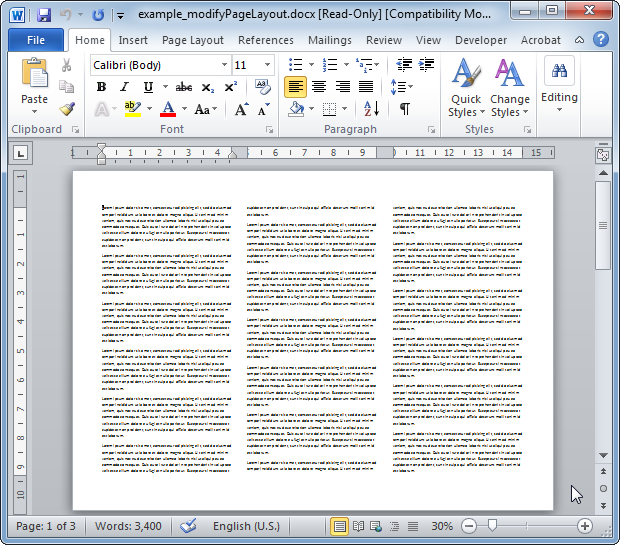
The resulting Word document looks like:
Example #2
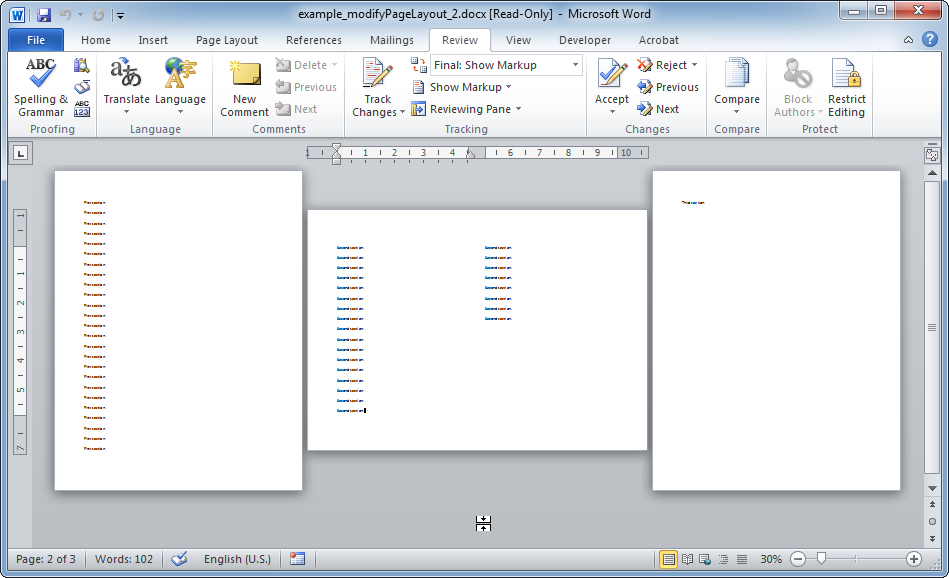
The resulting Word document looks like: